
Isaac K. Messinger
Game Designer

Swap Box
Solo Project
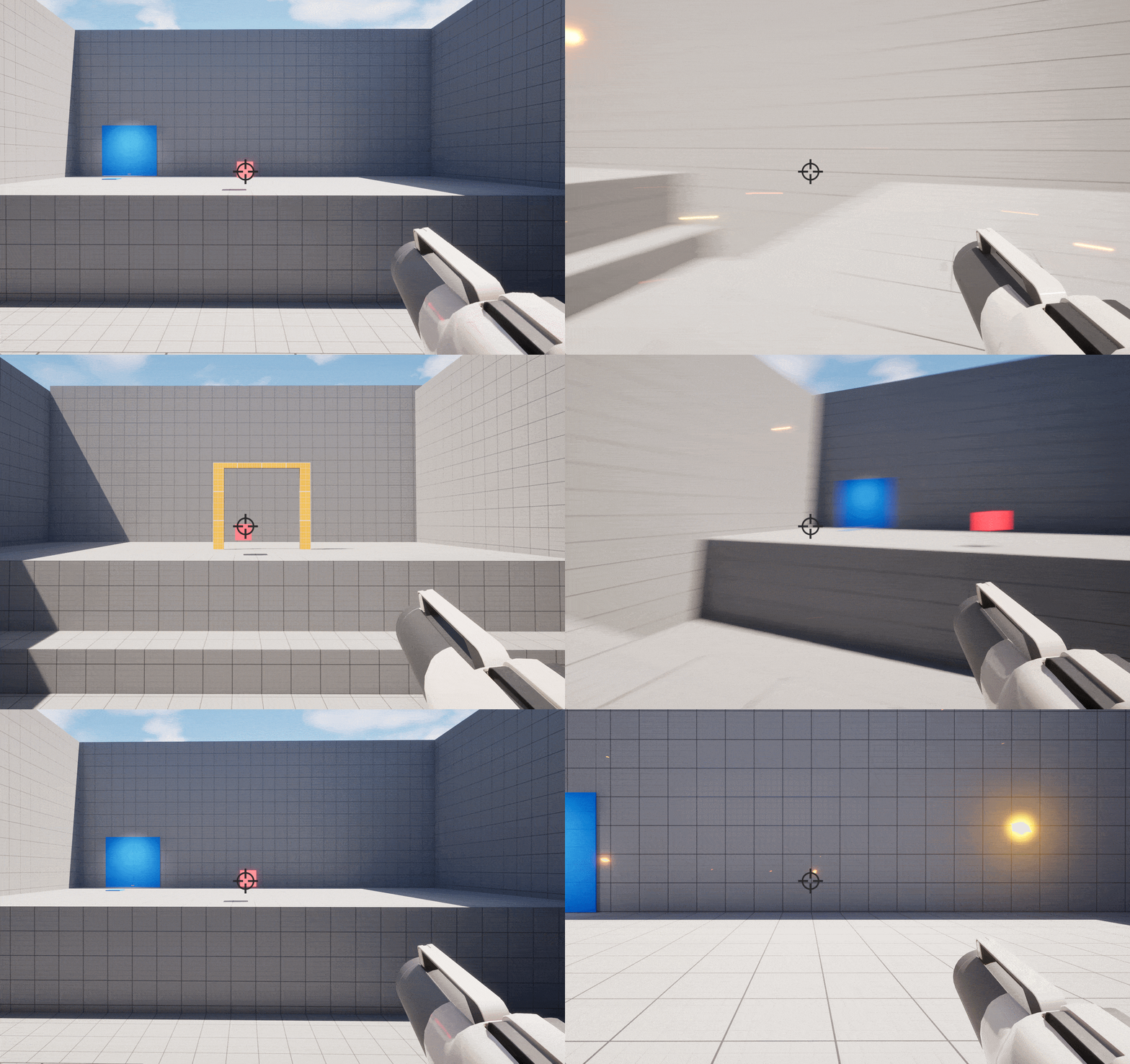
First person shooter where players shoot boxes to swap positions with them. There are several different types of boxes, so depending on which color box the player swaps with, an effect will occur after the switch. Players must use their skills to solve puzzles and progress the course.
Concept Prototype.
YouTube Playthrough: https://youtu.be/ot3rFBI2o0E
Imported Assets
THE MECHANIC
Box Swap Blueprint: Projectile
Swapping begins with the Projectile the player shoots. There is a reaction that occurs depends on what it overlaps is. In regards to the boxes, each box has its own function that fires when activated.
Box Types
Red: Static
Blue: Gravity
Yellow: Return
Pink: Turret


Position Swapping
In this prototype, players shoot boxes in order to switch positions with them. There is no limit on distance, and there does not have to be a clear line of sight.
Swapping is instant, and saves the player's rotation and momentum. Players can act immediately after performing the switch.
Box Swap Blueprint: Projectile Functions
Function example. Here, a Blueprint Interface is called that is shared between the Projectile, Static Box, and the player's own Blueprint. I use Blueprint Interfaces often in my work because they are very helpful with having several different Blueprints talk to each other. In this case, the Projectile is activating the Interface for the Static Box Blueprint.


Box Swap Blueprint: Box
Logic for swapping the Box with the player. This code makes sure to get the player for the Player Ref variable so the player can be called throughout. I print strings to help debug and call functions in the player's blueprint to trigger the swapping on the player's side.
Box Swap Blueprint: Player Character
Logic for swapping the player with the Box. Simple Set Actor Location node will do because most of the heavy lifting and the player is not a physics object

THE DYNAMICS
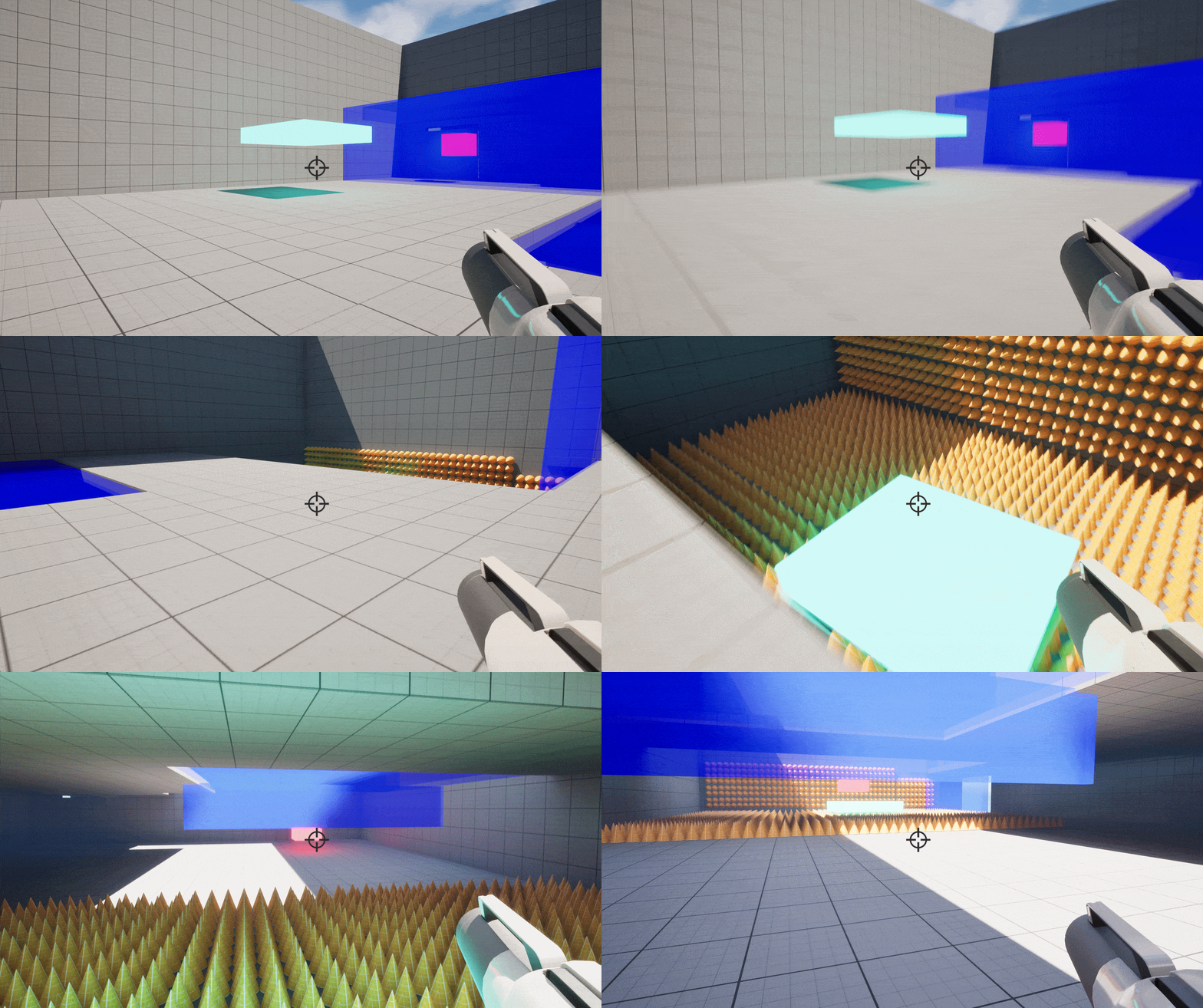
Gravity Box
The biggest difference between the Gravity Box and the Static Box is that the Gravity Box falls after swapped. This can be used to create stairs, create a protective barrier (shown in GIF), block hazards, and more. This is the first Box that "does something" post swap

Origin Box
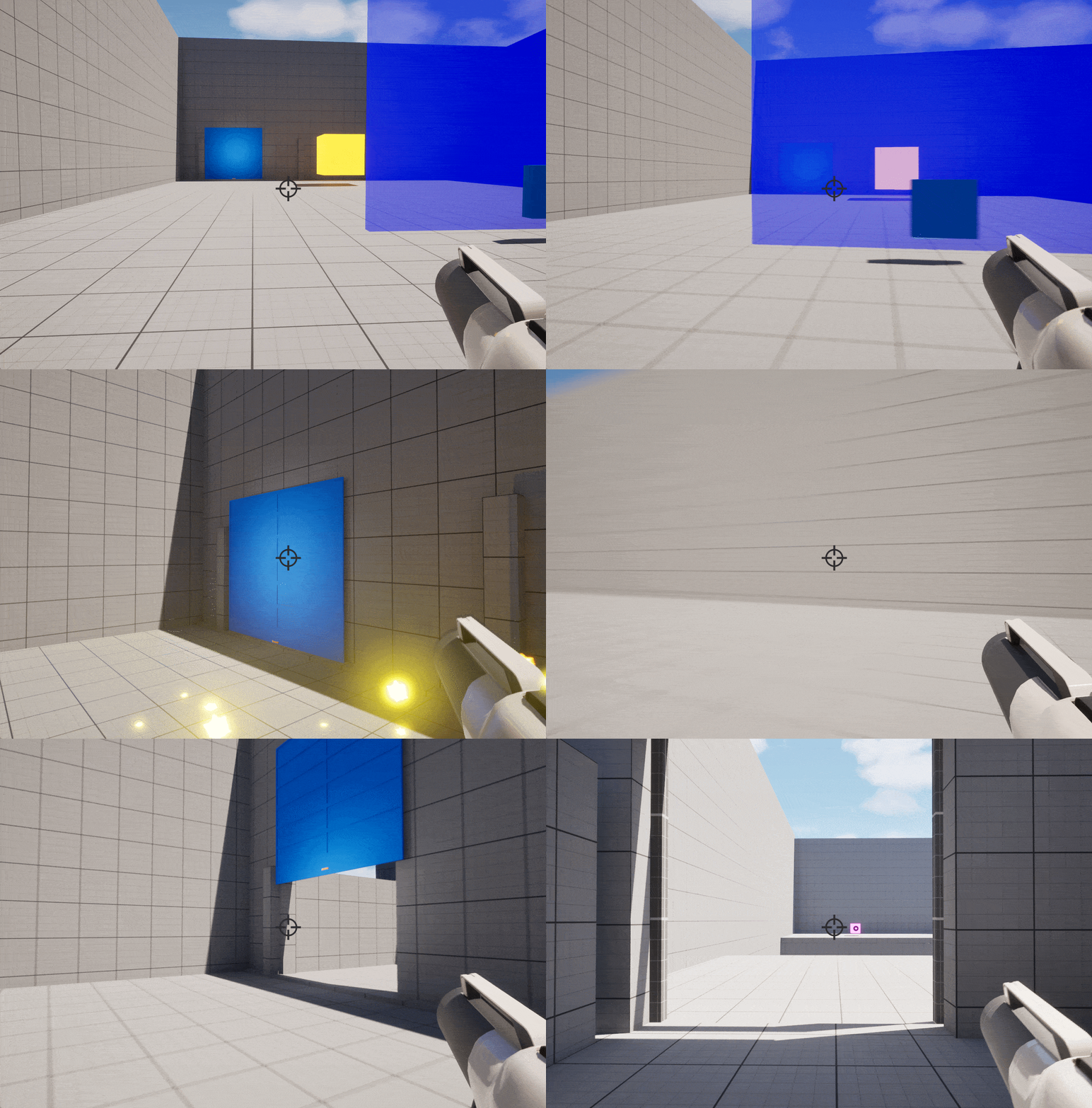
This Box will, after a short time period, return to its original position in a linear line. In the logic below, I use the VInterp to Constant node instead of a timeline because it will always be linear, and the VInterp to Constant node's outputs are easily manipulated by promoting them to variables.
Turret Box
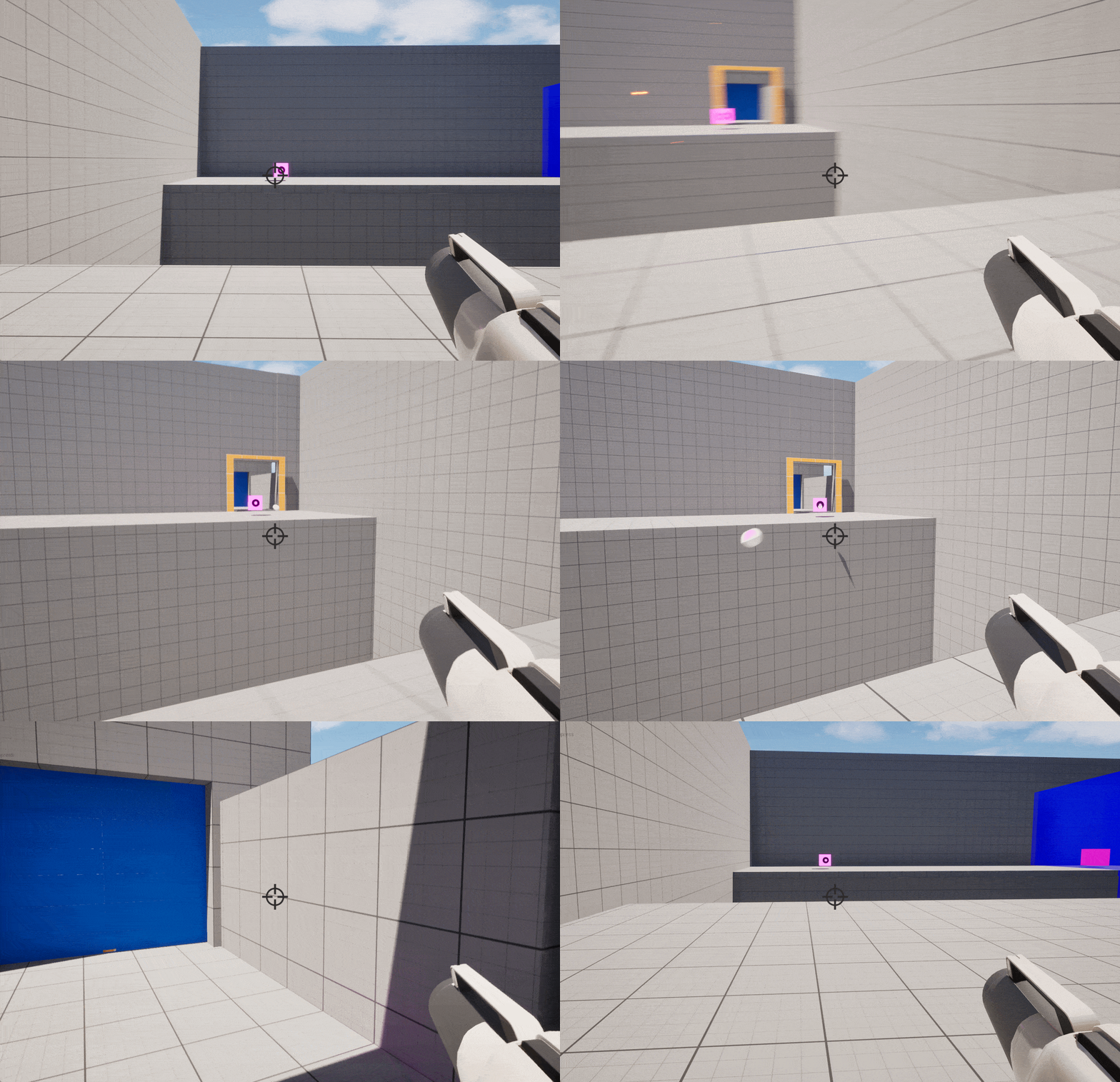
This Box will shoot at the player after they swap, and they are in range. Unlike the other Boxes which are normal Actors, this Box is a Pawn and thus can use Unreal Engine's Pawn Sensing node to recognize the player. The RInterp To node is used to track the player's movement and rotate the Box accordingly. The Box also will see if the player is dead or not (or just respawned) and if so, stops shooting and resets the current puzzle.

